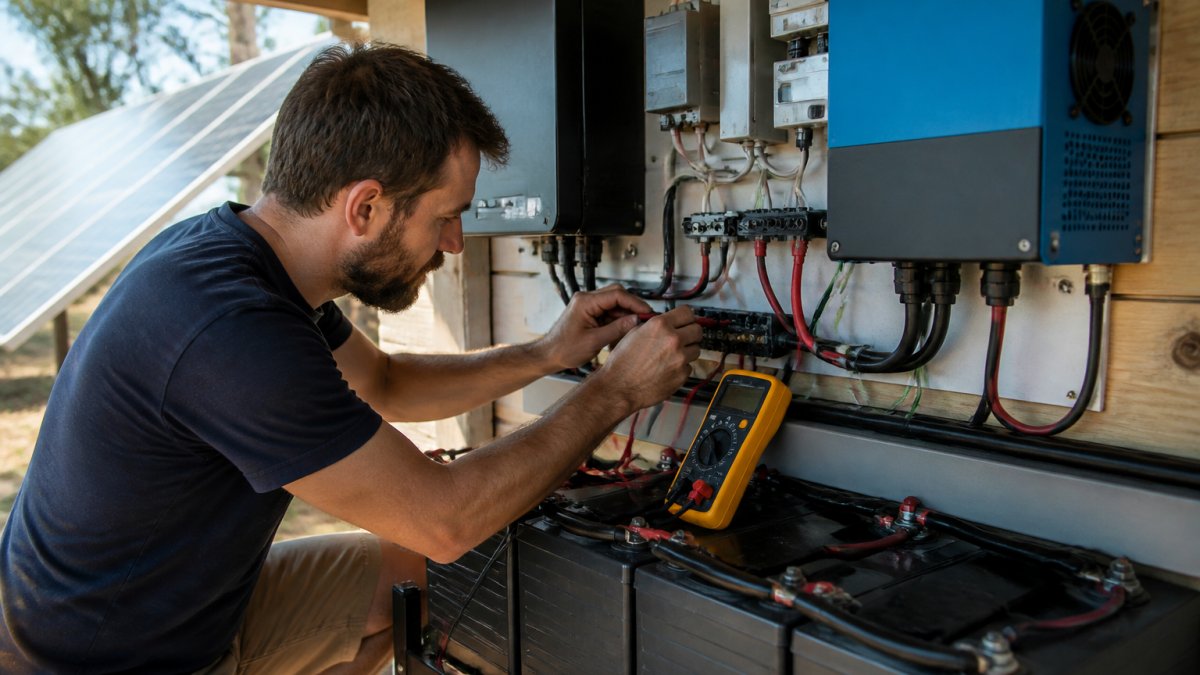
Troubleshoot Off-Grid Solar Problems: Step-by-Step
Table of Contents
- What You'll Need Before Troubleshooting
- Off-Grid Solar Battery Not Charging: Diagnosis and Fixes
- Solar Inverter Fault Codes: What They Mean and How to Clear Them
- Solar Charge Controller Troubleshooting: Common Issues and Solutions
- Off-Grid Solar Maintenance Checklist: Keep Your System Running
- Common Mistakes to Avoid When Troubleshooting
- When to Call a Licensed Electrician
- Conclusion
- Frequently Asked Questions
Last Updated: October 9, 2026
What You'll Need Before Troubleshooting
Before you start to troubleshoot off-grid solar problems, gather the right tools and safety gear. This prevents mistakes and keeps you safe while working with electrical systems.
Essential tools:
- Digital multimeter (to test voltage and current)
- Insulated screwdrivers (flathead and Phillips)
- Wire strippers
- Safety glasses and gloves
- Flashlight or headlamp
- Pen and notebook to record readings
Safety first:
- Turn off the main disconnect switch before touching any wiring
- Never work on the system during a thunderstorm
- Wear insulated gloves when testing live circuits
- Keep one hand in your pocket when testing with a multimeter to avoid creating a circuit through your body
If you're unsure at any point, stop and call a professional. Off-grid systems combine high-voltage DC power with complex battery chemistry, mistakes can damage expensive equipment or cause injury.
Off-Grid Solar Battery Not Charging: Diagnosis and Fixes
When your off-grid solar battery stops charging, the problem usually traces back to three areas: the charge controller, the wiring, or the battery itself. Finding which one is the culprit saves time and money.
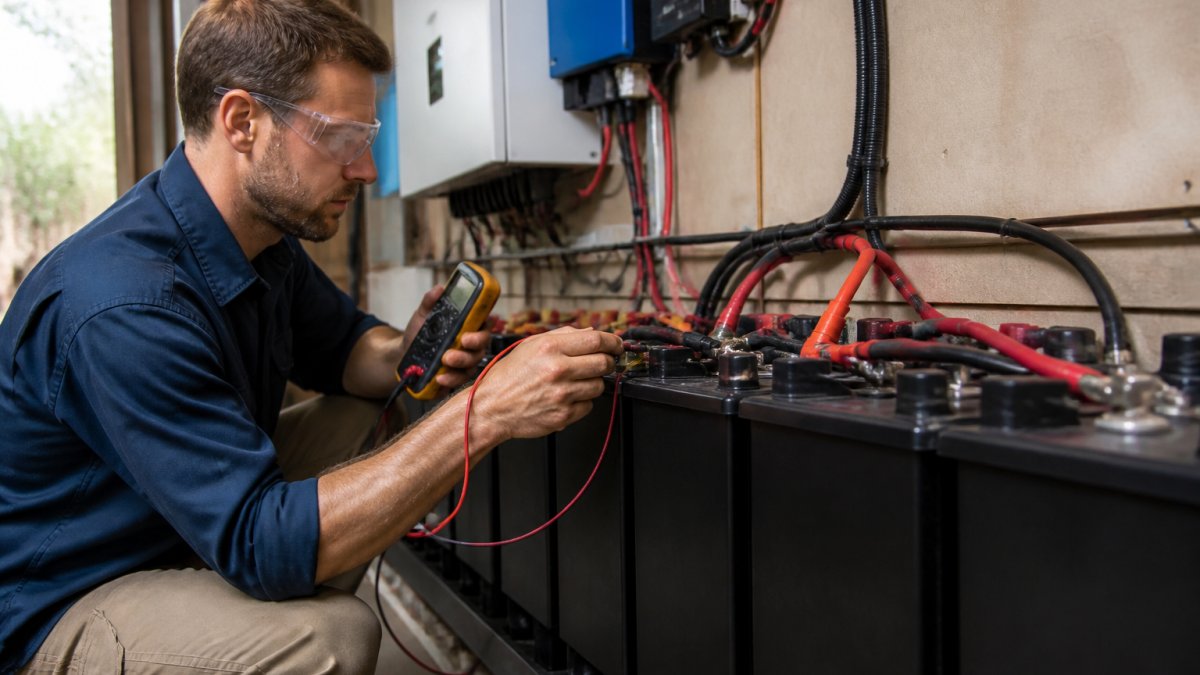
Check the charge controller connection
The charge controller sits between your solar panels and battery. If it's not connected properly, power never reaches the battery.
What to check:
- Inspect the cable connections at the back of the charge controller
- Look for loose terminals or corroded connectors
- Tighten any loose bolts with an insulated wrench
- If corrosion is visible, disconnect the cables and clean the terminals with a wire brush
Most charge controllers have two sets of terminals: one for the solar array and one for the battery. Make sure both are tight. A loose connection creates resistance, which slows charging dramatically.
Test the battery voltage
A multimeter tells you whether the battery is actually receiving power from the solar panels.
Step 1: Set your multimeter to DC voltage mode. Most multimeters have a dial with different settings. Look for the "V" with a line underneath (DC voltage).
Step 2: Connect the red probe to the positive battery terminal and the black probe to the negative terminal. The display shows your battery voltage.
Step 3: Record the reading. A healthy lithium battery typically reads between 48V and 58V depending on charge state. A lead-acid battery reads between 48V and 56V. If your reading is significantly lower, the battery may be faulty.
Step 4: Check the reading again after 30 minutes of sunlight. If the voltage hasn't increased, the charge controller isn't sending power to the battery.
Solar Inverter Fault Codes: What They Mean and How to Clear Them
Your solar inverter converts DC power from the battery into AC power for your home. When it displays an error code, it's telling you something is wrong. Understanding these codes prevents unnecessary downtime.
Read the error display
Most inverters show fault codes as numbers or text on a small screen. Common codes include:
- Low battery voltage: The battery is below the minimum threshold for safe operation
- High temperature: The inverter is overheating and has shut down to protect itself
- Overload: You're drawing more power than the system can supply
- Ground fault: There's a dangerous electrical connection to earth that shouldn't exist
Write down the exact code and check your inverter's manual. Different brands use different codes. If you can't find the manual, search online for "[Your Inverter Brand] fault code [number]" to find the definition.
Safe reset procedure
Many inverter faults clear themselves after a reset. Here's how to do it safely.
Step 1: Turn off the main disconnect switch. This cuts power to the entire system.
Step 2: Wait 30 seconds. This allows capacitors inside the inverter to discharge completely.
Step 3: Turn the disconnect switch back on. The inverter will restart and run its self-check.
Step 4: Check the display. If the fault code is gone, the problem was temporary. If it returns within an hour, the issue is likely deeper and needs professional attention.
Never reset an inverter more than twice. Repeated resets without fixing the underlying problem can damage internal components.
Solar Charge Controller Troubleshooting: Common Issues and Solutions
The charge controller regulates how much current flows from your solar panels into your battery. When it fails, charging stops or becomes erratic.
No display or lights on the controller
A dark display usually means the controller isn't receiving power. This is the easiest problem to fix.
Check the input connections first:
- Verify the solar array cables are connected to the "PV" or "Solar" terminals
- Look for loose bolts or corroded connectors
- Tighten everything with an insulated wrench
Check the battery connection second:
- The controller needs battery voltage to power its display
- Make sure the battery cables are connected to the "Battery" terminals
- Test the battery voltage with your multimeter to confirm it's above 40V
If connections are tight and the battery has voltage, the controller itself may be faulty. This requires replacement.
Undercharging or slow charging
Sometimes the controller works but charges too slowly. This wastes sunny hours and leaves your battery partially charged.
Check the temperature sensor:
- Many controllers have a small temperature sensor mounted on the battery or battery box
- This sensor tells the controller how hot the battery is
- If the sensor is disconnected or reads incorrectly, the controller reduces charging to protect the battery
- Reconnect the sensor or clean any corrosion on its connector
Check for partial shading:
- Even one solar panel in shadow reduces the output of the entire array
- Trim tree branches or move obstructions if possible
- Partial shading can cut your charging power by 50% or more
Verify the charge controller settings:
- Different controllers have different charge profiles
- Some are set conservatively to extend battery life
- Check your manual for the "bulk charge" or "absorption" settings
- If these are set too low, increase them slightly to boost charging speed
Off-Grid Solar Maintenance Checklist: Keep Your System Running
Regular maintenance prevents most problems before they start. A few minutes each month saves hours of troubleshooting later.
Monthly tasks:
- Check battery voltage with your multimeter
- Look for corrosion on battery terminals and clean if needed
- Verify the charge controller display is showing normal readings
- Check that all visible wiring is secure and undamaged
Quarterly tasks:
- Clean solar panel glass with a soft cloth and water
- Inspect all cable connections for tightness
- Test your system's load by running appliances and checking voltage drop
- Record battery voltage readings to track performance over time
Annual tasks:
- Have a licensed electrician inspect the entire system
- Test the battery capacity if it's over five years old
- Check breaker and disconnect switches for proper operation
- Review your energy consumption and compare to solar production
For Gold Coast properties, the marine environment accelerates corrosion. Check battery terminals and connectors more frequently if you live near the coast. Salt air corrodes copper and aluminum faster than inland areas.
Common Mistakes to Avoid When Troubleshooting
Most problems come from rushing the diagnosis. Slow down and follow each step carefully.
Mistake 1: Testing without turning off the main switch. Live circuits can shock you or damage your multimeter. Always disconnect power first.
Mistake 2: Assuming the battery is dead when the problem is the controller. Test the battery voltage directly. A healthy battery won't charge if the controller isn't working.
Mistake 3: Ignoring corrosion. White, green, or blue deposits on connectors block current flow. Clean them immediately or they'll get worse.
Mistake 4: Resetting the inverter repeatedly. One reset is fine. Five resets in a row damages the device. If it won't stay on, call a professional.
Mistake 5: Working alone on high-voltage systems. If something goes wrong, you need help. Have someone nearby who can call for emergency services.
When to Call a Licensed Electrician
Some problems are beyond DIY troubleshooting. Know when to stop and call a professional.
Call immediately if:
- You smell burning plastic or see smoke from any component
- The battery is swollen or leaking
- You get a shock or feel tingling from the system
- The inverter won't reset and stays in fault mode
- You're not confident about any step in the troubleshooting process
Call within a week if:
- The system isn't charging even after you've checked all connections
- Voltage readings don't match what your manual says they should
- The charge controller display shows fault codes you don't understand
- Battery voltage drops more than 5% per day with no load
Brux Electrical serves the Gold Coast area with licensed electricians who specialise in off-grid solar troubleshooting. We handle complex diagnostics that require specialised test equipment. Rather than guess and risk damaging expensive components, a professional inspection often saves money in the long run.
Conclusion
Troubleshooting off-grid solar problems starts with understanding what each component does. The charge controller manages power flow. The battery stores energy. The inverter converts it to usable AC power. When one fails, the others can't compensate.
Most common faults, loose connections, corrosion, and temporary controller glitches, you can fix yourself with basic tools and patience. Record what you find so you can explain it to a professional if needed.
For systems that won't respond to basic troubleshooting, or if you're uncomfortable working with high-voltage DC power, contact a licensed electrician. The cost of professional diagnosis is far less than replacing a damaged battery bank or inverter.
Frequently Asked Questions
What should I check if my off-grid solar batteries are not charging?
Start with the obvious: inspect battery terminals for corrosion or loose connections, check that the charge controller is powered on and displaying normal readings, and verify the solar array is generating voltage under sunlight. If terminals are clean and connections tight, test the battery voltage with a multimetre to confirm the battery isn't already fully charged. Look at the charge controller display for error codes or unusual status lights. If everything appears normal but charging remains stuck, the charge controller or battery may be faulty and require professional diagnosis.
Why is my solar inverter showing a fault or alarm?
Inverter fault codes usually point to one of three issues: battery voltage too low (undercharge), battery voltage too high (overcharge), or a temperature problem inside the inverter cabinet. Write down the exact fault code displayed, then check your battery voltage with a multimetre to see if it falls outside the inverter's operating range. Ensure the inverter cabinet isn't exposed to direct sun or blocked vents that trap heat. If the code persists after a safe reset, contact a licensed electrician rather than repeatedly restarting, as repeated resets can mask a deeper electrical fault.
Can cloudy weather cause an off-grid solar system to stop working?
Yes, cloudy weather reduces solar generation significantly, but a properly sized system should still produce some charge and draw from battery reserves. If your system stops working entirely during cloud cover, the problem is likely undersizing rather than weather. Check whether your charge controller is still receiving voltage from the panels (it should show a small current even in cloud). If generation drops to zero, the issue is typically low light output, not a fault. If your battery drains quickly during extended cloud periods, your system may have been sized for peak conditions rather than your actual daily energy needs.
How do I know when to call a licensed electrician for off-grid solar troubleshooting?
Stop troubleshooting and call immediately if you see burned terminals, smell burning plastic, notice water inside electrical enclosures, or feel heat from components that should be cool. Also call if fault codes persist after a safe reset, if battery voltage remains dangerously low or high despite charging attempts, or if you're unsure about testing electrical connections. Off-grid systems involve high-voltage DC circuits that can cause serious injury or fire if mishandled. A licensed electrician can safely diagnose faults, test components properly, and ensure repairs meet electrical standards.
Get a quote from Brux Electrical for a professional system inspection. We'll diagnose the problem, explain what's wrong in plain language, and fix it right the first time. Our team handles off-grid solar troubleshooting across the Gold Coast with direct communication from your first call to switch-on. Check the Clean Energy Council's guide to off-grid solar systems for more information on system design and maintenance standards in Australia.
